
Get a brand mascot without hiring a designer.
No Fiverr brief. No revision rounds. No waiting weeks for a character that might not fit. Paste your website URL and MascotStudio generates a mascot that already matches your brand — colors, personality, and pose system included.
0
design skills needed
URL
only input required
5+
poses per generation
No designer required
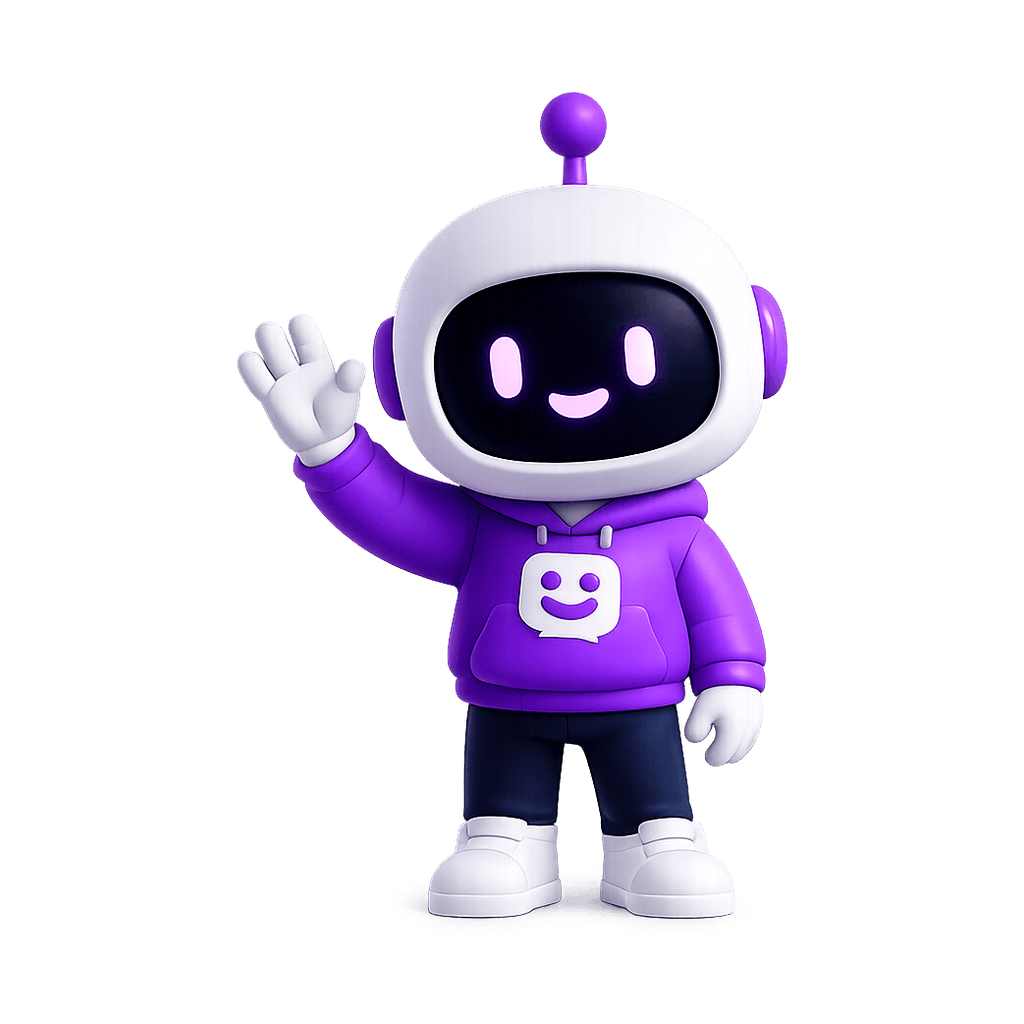
Onboarding
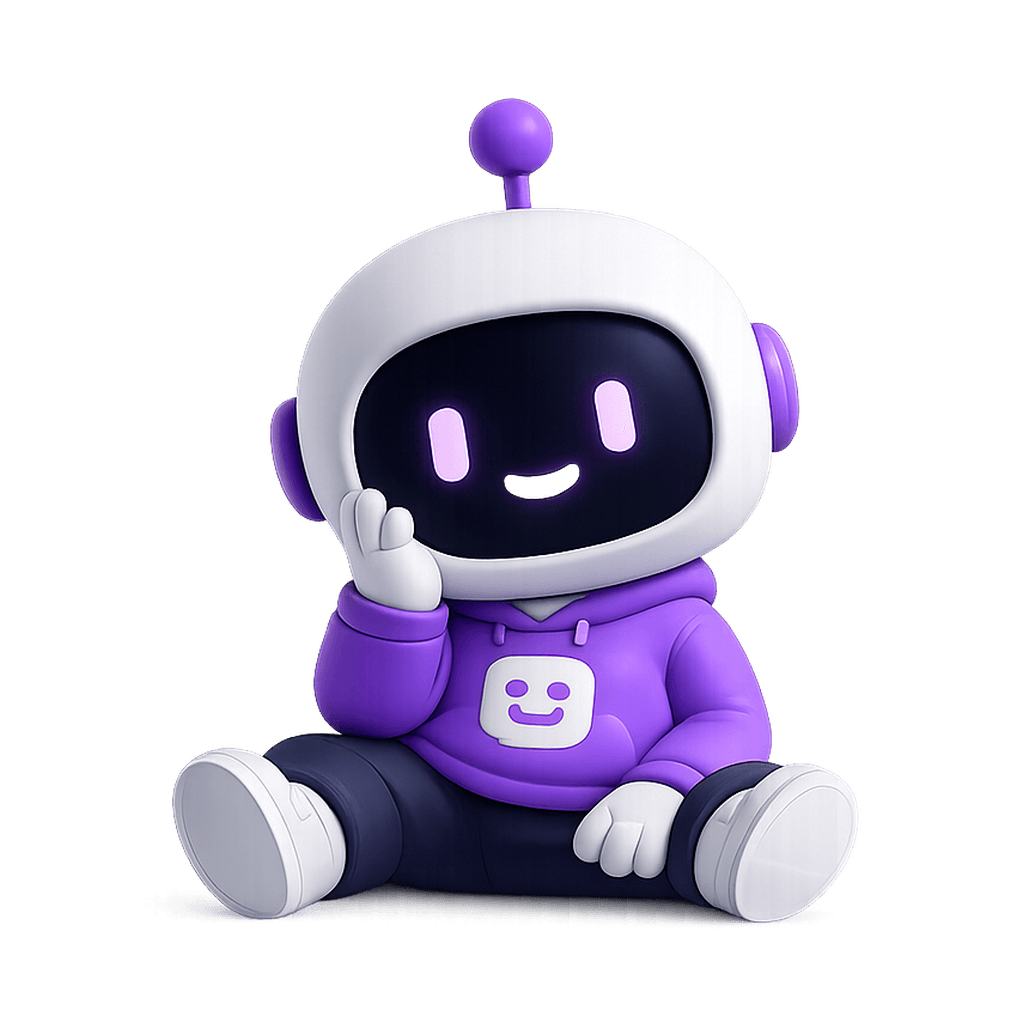
Empty states
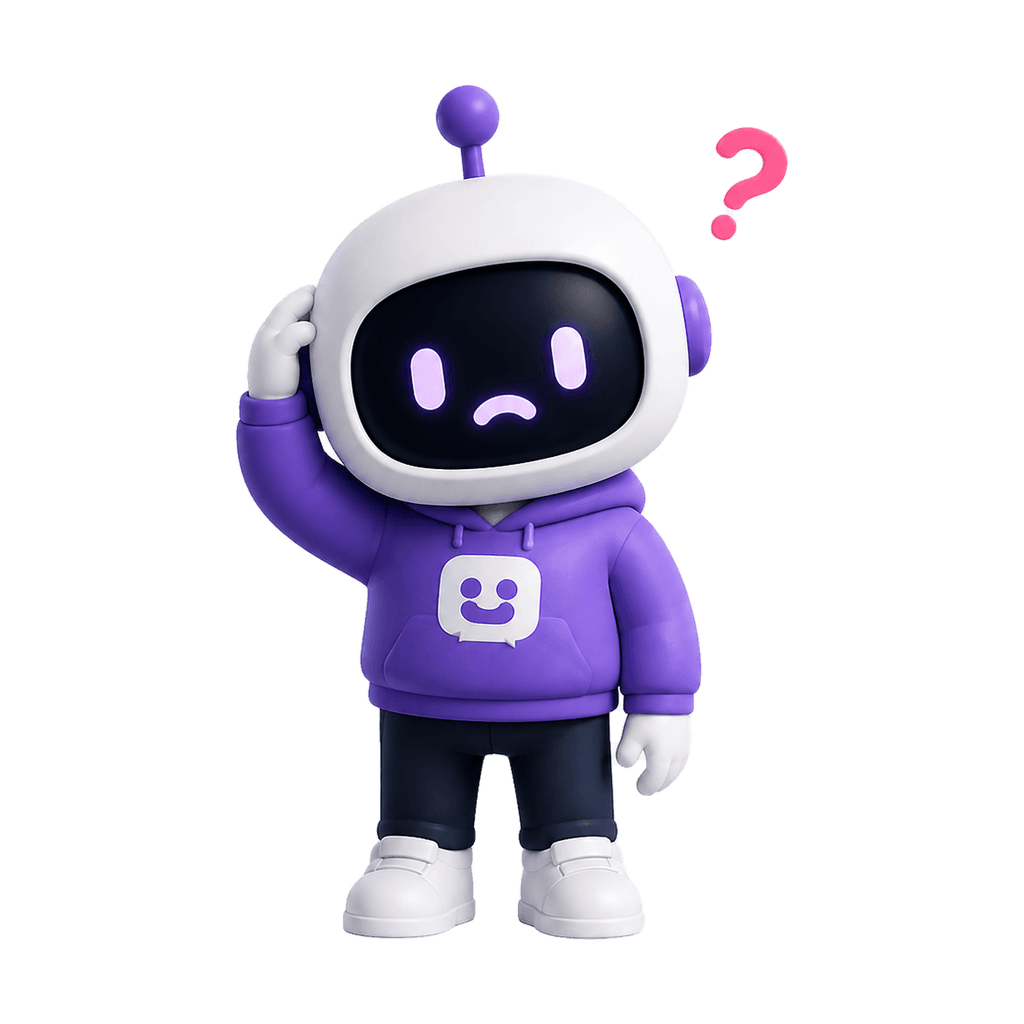
Error screens
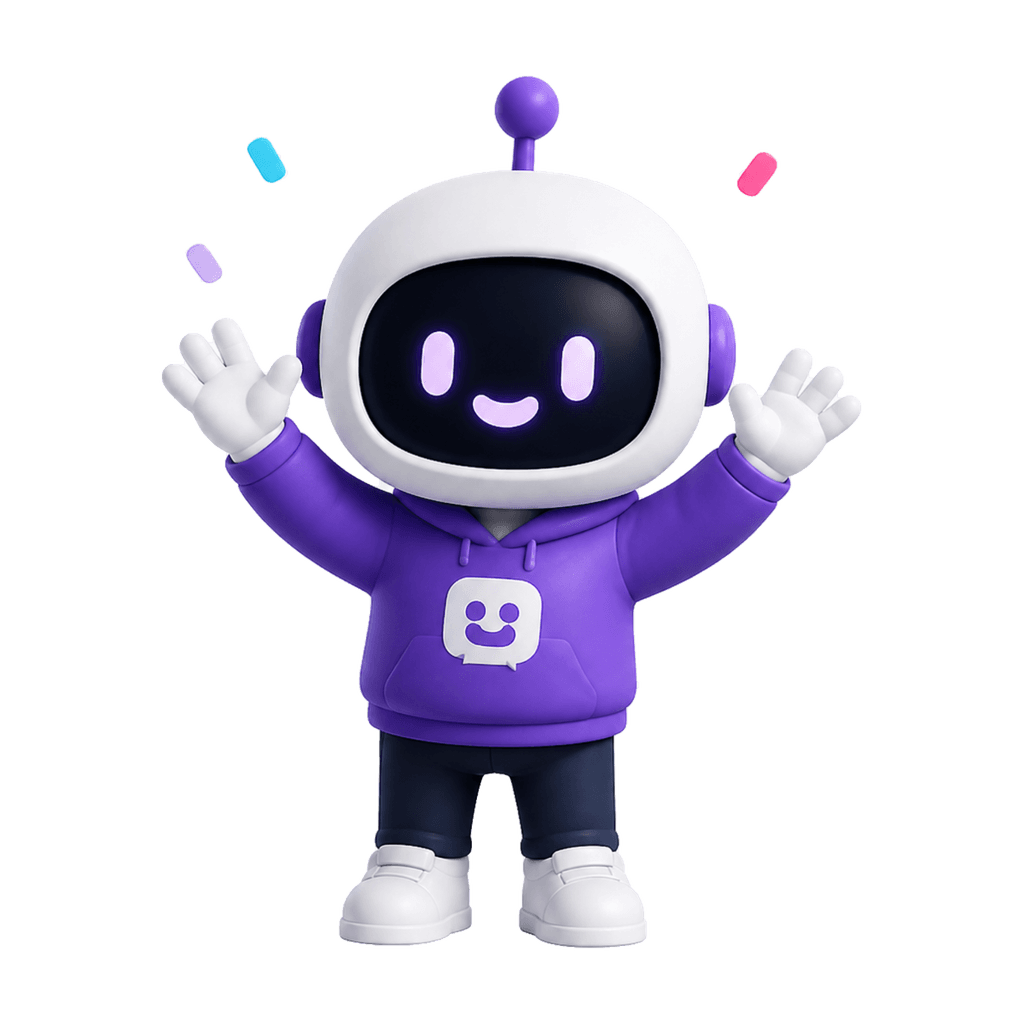
Success moments
The usual path
The designer route works — but it takes time and money most teams don't have.
A freelance mascot project typically runs $800–$3,000 for a single character, takes 2–4 weeks, and delivers one hero illustration. A pose system costs extra. These aren't reasons to avoid a designer — they're reasons to know exactly when you need one.
Design briefs take time you don't have
Before a designer draws anything, you need to articulate your brand personality, color rules, usage contexts, and character direction in writing. That brief takes hours to get right — and it still might not convey what you actually want.
Revision rounds are unpredictable
Most mascot projects go through 4–6 revision rounds. Each one adds days. The final output may still not match your product's visual language — because the brief was the only channel between your vision and the result.
Freelance output is one image, not a system
Most freelance mascots deliver a single hero illustration. Turning it into a pose system for onboarding, errors, empty states, and success screens requires a second brief and a second contract — if it's possible at all.
How it works instead
MascotStudio replaces the brief. Your website is the input.
Paste your website URL
Use your homepage or product page. MascotStudio reads your color palette, visual weight, and product category automatically — no form to fill.
Get a mascot matched to your brand
The generator creates a character that fits what your brand already looks like. No design brief, no back-and-forth, no revision round.
Get multiple poses ready to ship
Onboarding, errors, empty states, success screens, and a brand mark variant — all from the same first generation, all in your brand colors.
What's included
Not just one image. A character system.
Every generation produces poses matched to the emotional states your product actually needs — not just the prettiest one.
Onboarding
A friendly guide for new users before the first empty dashboard or setup step feels intimidating.
Empty states
Turn blank screens into product guidance with a character that explains what to do next.
Error screens
Make broken moments feel calmer with a mascot that apologizes, explains, and points users forward.
Success moments
Celebrate completed tasks, upgrades, and milestones without adding generic confetti everywhere.
Compare your options
MascotStudio vs. hiring a designer vs. using a generic AI tool.
Who uses this
Who gets a mascot without a designer?
Early-stage SaaS founders
You're shipping product, not running a design procurement process. A mascot now means better onboarding and empty states from day one — without slowing the sprint.
Indie app makers
Solo developers who want their app to feel polished without the cost of commissioning a brand character. One URL, one generation, one character system.
Ecommerce brands
A character that shows up in confirmation emails, loyalty screens, and post-purchase flows — without the agency retainer or the three-week turnaround.
Non-technical founders
You know what your brand should feel like. You shouldn't need to explain it in a 10-page design brief to get there. Paste your URL and let the tool read your brand directly.
Small product teams
Moving fast means design resources go to the core product. A mascot generator fills the gap without pulling design capacity away from features that ship this week.
Developer-led products
The docs, error pages, and onboarding are all yours. A mascot makes them feel like they belong to a real brand — without requiring you to learn character design.
FAQ
Mascot without a designer — questions
Yes, when the tool reads your brand correctly. MascotStudio generates from your actual brand signals — colors, visual weight, product category — rather than generic prompts, which is why the output looks intentional rather than generic. The key variable is brand grounding, not whether a human drew it.
Learn what makes a mascot look professionalA mascot generator is purpose-built: it outputs a pose system for product UI contexts, maintains character consistency across variations, and is designed for real product screens. A generic AI image tool produces one-off images that may look good but can't be used as a character system — because they weren't designed for repetition across emotional states.
No. The input is a URL. The tool handles the brand reading and character generation automatically. You can nudge the result with a text prompt — adjusting personality, species, or style — but design knowledge isn't required at any step.
Run another generation with a text refinement prompt — describe the personality, species, or style direction you want. Character consistency is maintained across regenerations, so you can keep adjusting without losing the brand grounding from the original URL read.
Yes. The pose system is designed to cover the key moments in a product experience: onboarding, empty states, error screens, success screens, and a neutral brand mark. All poses use the same character identity, so the character looks consistent across every surface where it appears.
See the full guide to using a mascot across SaaS product UIYour mascot is one URL away
Get a brand mascot without a designer. No brief required.
Paste your website URL, preview your brand direction, and generate a character system your product can actually ship — all without writing a design brief or waiting three weeks for revisions.
Generate my mascotarrow_forward