
Create a mascot for your brand. Paste a URL, skip the brief.
MascotStudio reads your brand signals directly from your website — colors, tone, product category — and generates a matched character with poses for every UI state and marketing touchpoint. No prompts, no brief, no designer.
5+
poses per mascot
URL
brand input
PNG
ready assets
Character system
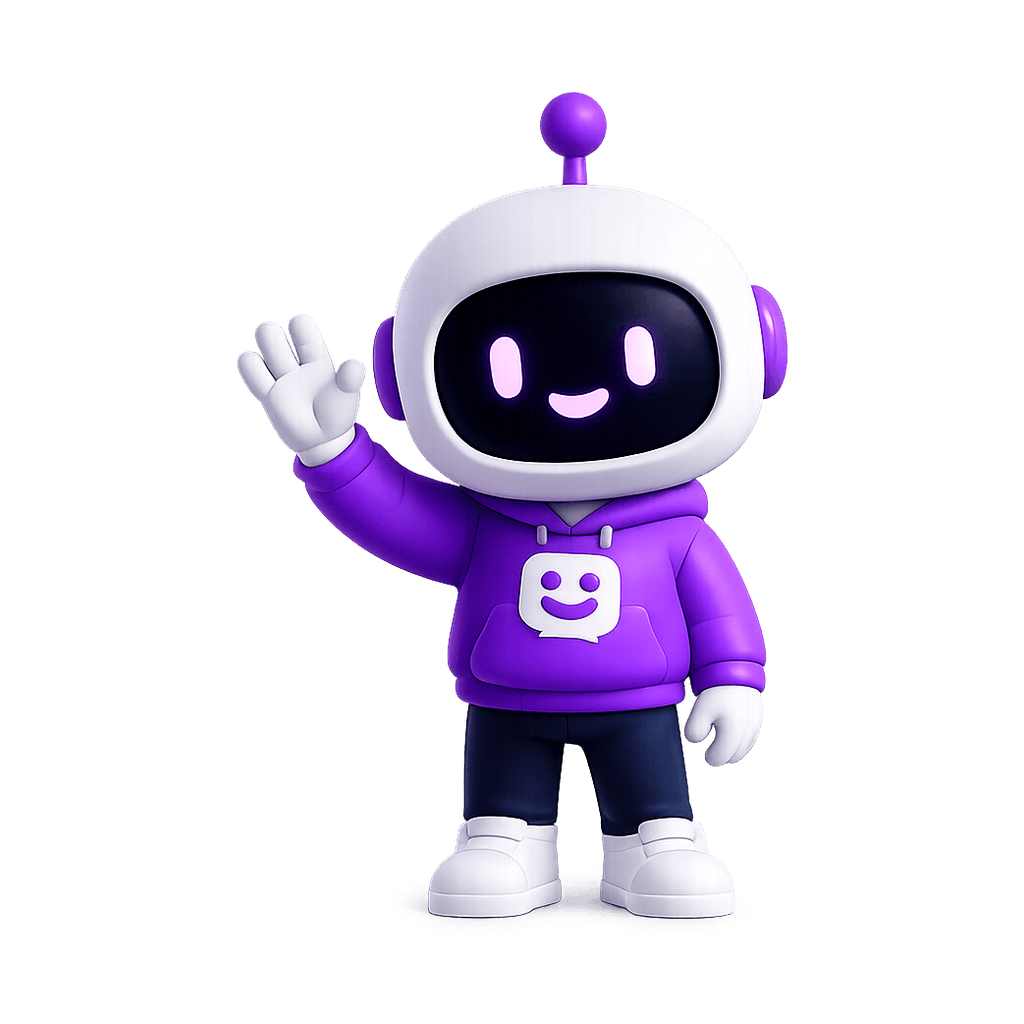
Onboarding
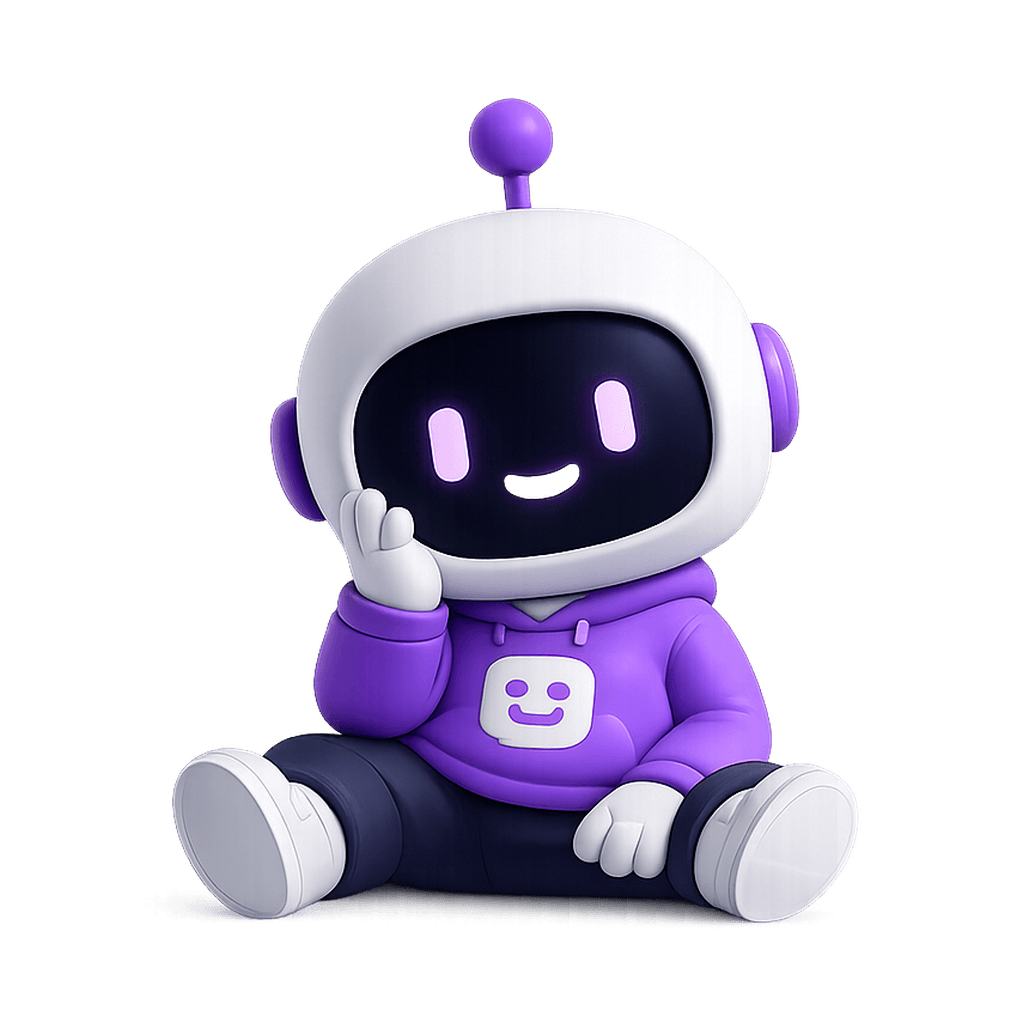
Empty states
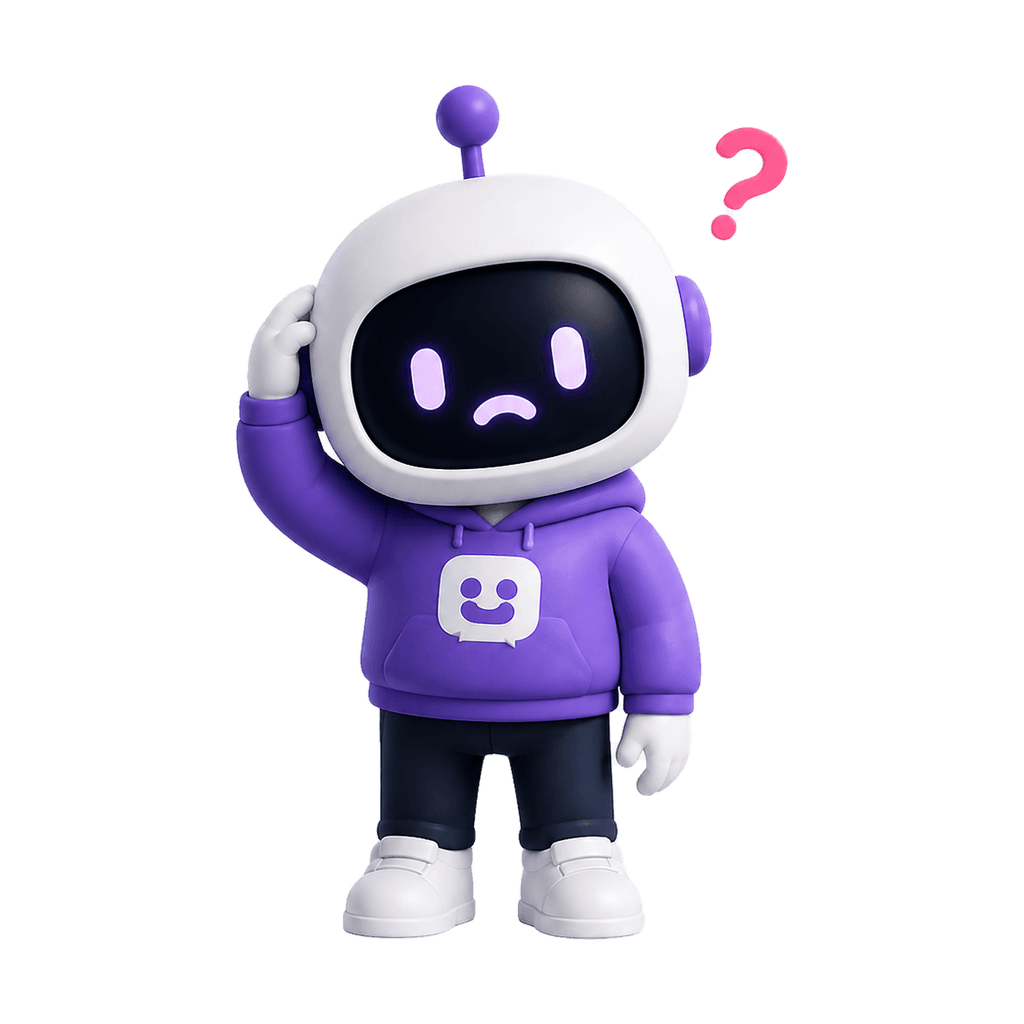
Error screens
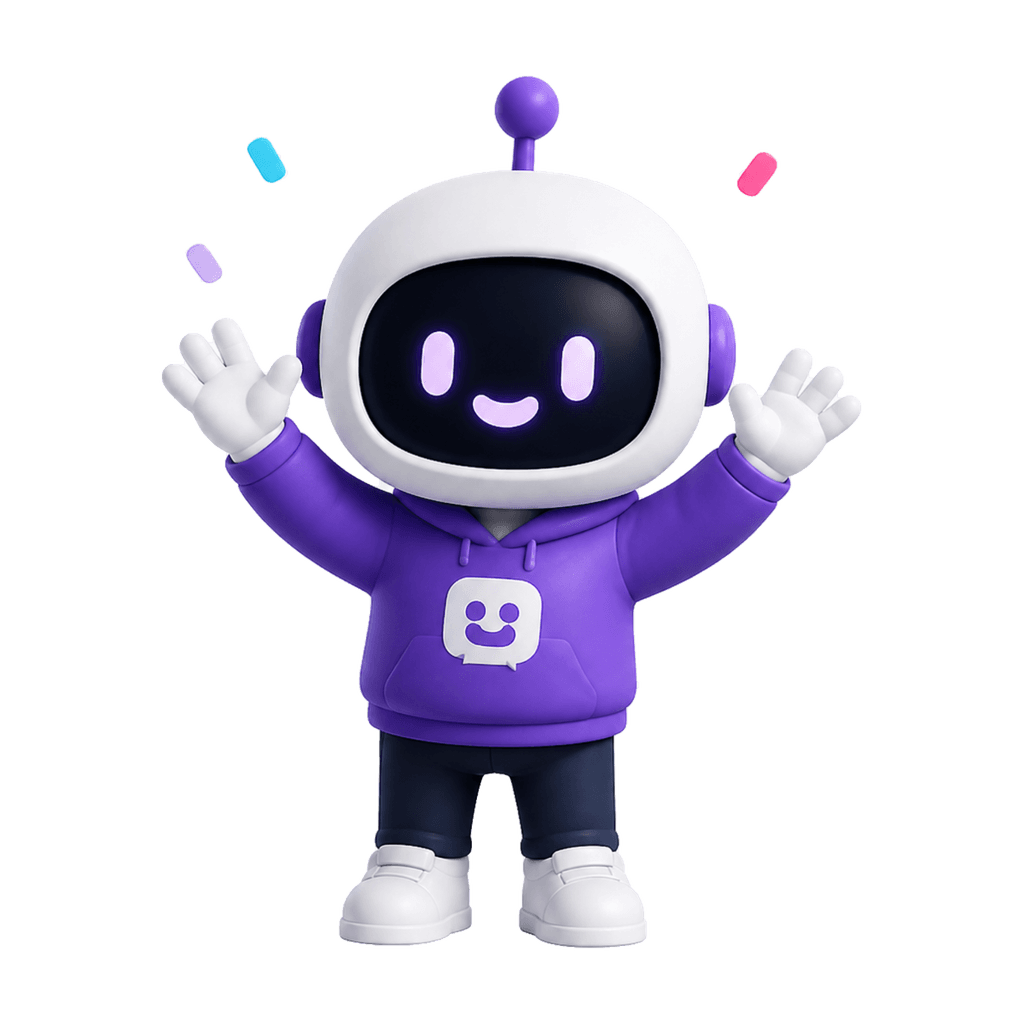
Success moments
What it does
A mascot creator that starts with your brand, not a blank canvas.
Generic mascot tools start with prompts. MascotStudio starts with your brand — reads your visual identity from your URL and generates a character that already fits what you've built.
Reads your brand visually
Paste your URL and the creator picks up your primary color, secondary palette, and visual weight from your actual site — no form to fill.
Generates a pose system, not one image
Every mascot ships with variants for onboarding, errors, empty states, and success screens — not just a hero shot you'll use once.
Iterates fast without a designer in the loop
Run multiple generations in minutes. Adjust personality, species, or style with a text prompt and keep the result that fits.
Character system
One creation. A pose for every product moment.
A mascot creator should output a system, not a single image. Every pose from MascotStudio is the same character with a different emotional state — ready to ship immediately.
Onboarding
Give new users a friendly guide before the first empty dashboard or setup step feels intimidating.
Empty states
Turn blank screens into product guidance with a character that explains what to do next.
Error screens
Make broken moments feel calmer with a mascot that apologizes, explains, and points users forward.
Success moments
Celebrate completed tasks, upgrades, and milestones without adding generic confetti everywhere.
How it works
From URL to character system.
Paste your website URL
Use your homepage, product page, or landing page. MascotStudio reads public brand signals automatically — colors, category, visual weight.
Get a brand-matched mascot direction
The creator builds a character that fits your colors, product category, and personality — without requiring a brief or prompt.
Download and ship across every surface
Multiple poses ready for onboarding, errors, empty states, success screens, marketing, and emails. All from the first generation.
Built for
The teams that need a mascot but don't have a mascot budget.
SaaS founders
You're building UI before you have a design system. A mascot unifies empty states, onboarding, and error screens from day one.
Mobile app teams
Activation is the problem. A character that reacts during onboarding makes setup feel less like a form and more like a conversation.
Ecommerce brands
Your confirmation email, tracking page, and loyalty screen all need a consistent visual voice. A mascot system covers every surface.
Developer tools
Docs, CLIs, and error messages are all surface areas. A mascot makes the tool feel less hostile without making it less technical.
Content creators
A recognizable character is a brand asset you own — one that shows up in thumbnails before anyone reads your name.
Solo makers
One person, one character, shipped in minutes. No Fiverr brief, no revision rounds, no waiting three weeks for a direction.
Why not generic tools
Mascot creators are systems. Generic image prompts are guesses.
FAQ
Mascot creator questions
A mascot creator is a tool that generates a brand character from input about your brand. MascotStudio takes your website URL as input so it can read your existing visual identity directly — colors, product category, and visual weight — instead of relying on a text description you have to write.
Learn what makes a strong brand mascotThe terms are used interchangeably. The meaningful difference is in the output: a mascot maker or creator should produce a reusable character system with multiple poses, not a single image. MascotStudio focuses on the pose system — onboarding, errors, empty states, and success moments — not just a hero illustration.
No. The URL is the only required input. You can refine the direction with text prompts — adjusting personality, species, or style — but you don't need to know anything about illustration, color theory, or design briefs to get a usable result.
Each generation produces 5+ poses: onboarding, empty state, error, success, and a neutral brand mark variant. All poses use the same character identity — same proportions, same color palette, different emotional expressions.
Yes. The poses are designed for product UI contexts — dashboards, setup flows, error screens, and feature introductions. The output format is PNG, sized for the contexts where a product mascot typically lives.
Read the full guide to using a mascot inside SaaS product UIReady to create it
Start creating your mascot now. Paste a URL, skip everything else.
Paste your website URL, preview your brand direction, and create a mascot system for every screen where your product needs a human touch.
Create my mascotarrow_forward